How to Create a Temporary Email in 10 Seconds
Sounds too fast, right?
I know what you're thinking. Ten seconds? For a working email address?
But that's the whole point of temporary email. It's supposed to be fast. No forms. No passwords. No waiting for a confirmation email just to get your confirmation email. (You know how annoying that is.)
Let me show you exactly how simple it is.
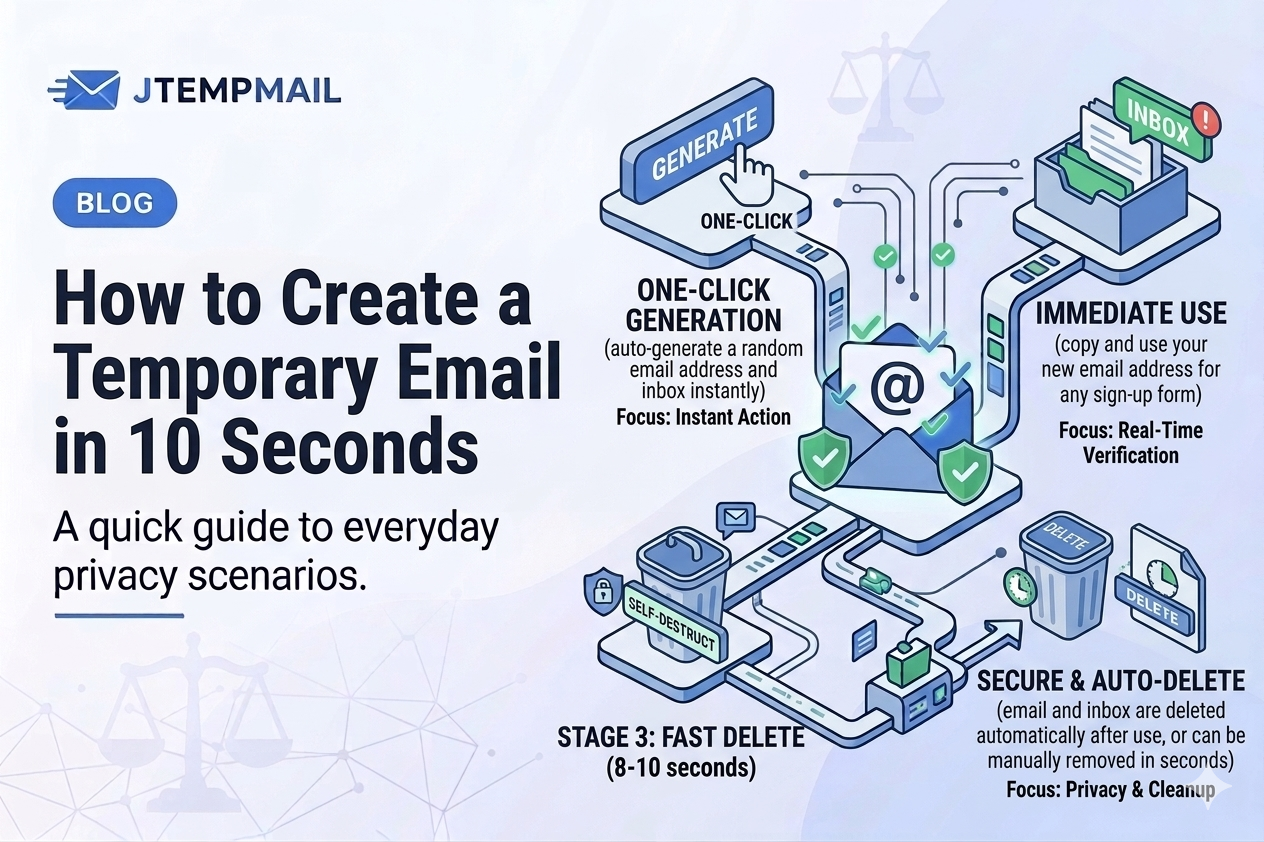
Step one – open the website
Go to jtempmail.com. That's it. That's the first step.
You don't need to click a "sign up" button. You don't need to agree to terms and conditions. You don't need to verify you're human.
Just open the page.
Step two – copy your temporary email
The moment the page loads, you'll see an email address right there. Already created. Already working.
Click copy. That's it. You now have a working email address.
Step three – use it anywhere
Paste that address into any website that asks for your email. A forum. A download page. A free trial. A newsletter signup.
Then check the inbox on the same page. Any email sent to that address will show up instantly.
Step four – forget about it
After 10 minutes, the address disappears. All messages disappear with it.
You don't have to log out. You don't have to delete anything. You don't have to remember a password.
It just goes away on its own.
That's literally it
No joke. The whole process takes about ten seconds.
Open. Copy. Paste. Done.
Why would you need this?
Here's the thing. Every time you give your real email to a random website, you're trusting them with your privacy. Some websites deserve that trust. Many don't.
A temporary email lets you sign up for things without thinking twice. If the website turns out to be spammy? Who cares. That email doesn't exist anymore.
Try it right now
Seriously. Open a new tab, go to jtempmail.com, and see for yourself. You'll have a working email address before you finish reading this sentence.
No signup. No credit card. No catch.