Temporary Email vs. Fake Gmail Account – Which Is Better?
We've all done it
You need an email address to sign up for something. But you don't want to use your real one. So what do you do?
For years, the easiest answer was: create a fake Gmail account. Just make something up, use it for the signup, and forget about it.
But now there's another option. Temporary email.
So which one is actually better? Let me walk you through the comparison so you can decide for yourself.
First, what do I mean by "fake Gmail account"?
A fake Gmail account is exactly what it sounds like. You go to Gmail's signup page and create a new email address using fake information. A name that isn't yours. A birthday that isn't real. An address you'll probably only use once or twice.
It's free. It works on almost every website. And you can keep it forever if you want.
The downside? You have to go through the whole signup process. Name, birthday, phone number for verification, choosing a password, agreeing to terms, solving a CAPTCHA. It takes a few minutes.
And what about temporary email?
A temporary email – like the one from jtempmail.com – is different. You don't sign up for anything. You don't provide any information. You just open the page and there's your email address.
It lasts 10 minutes. Long enough to receive a verification link or a download code. Then it disappears forever.
Let's compare them side by side
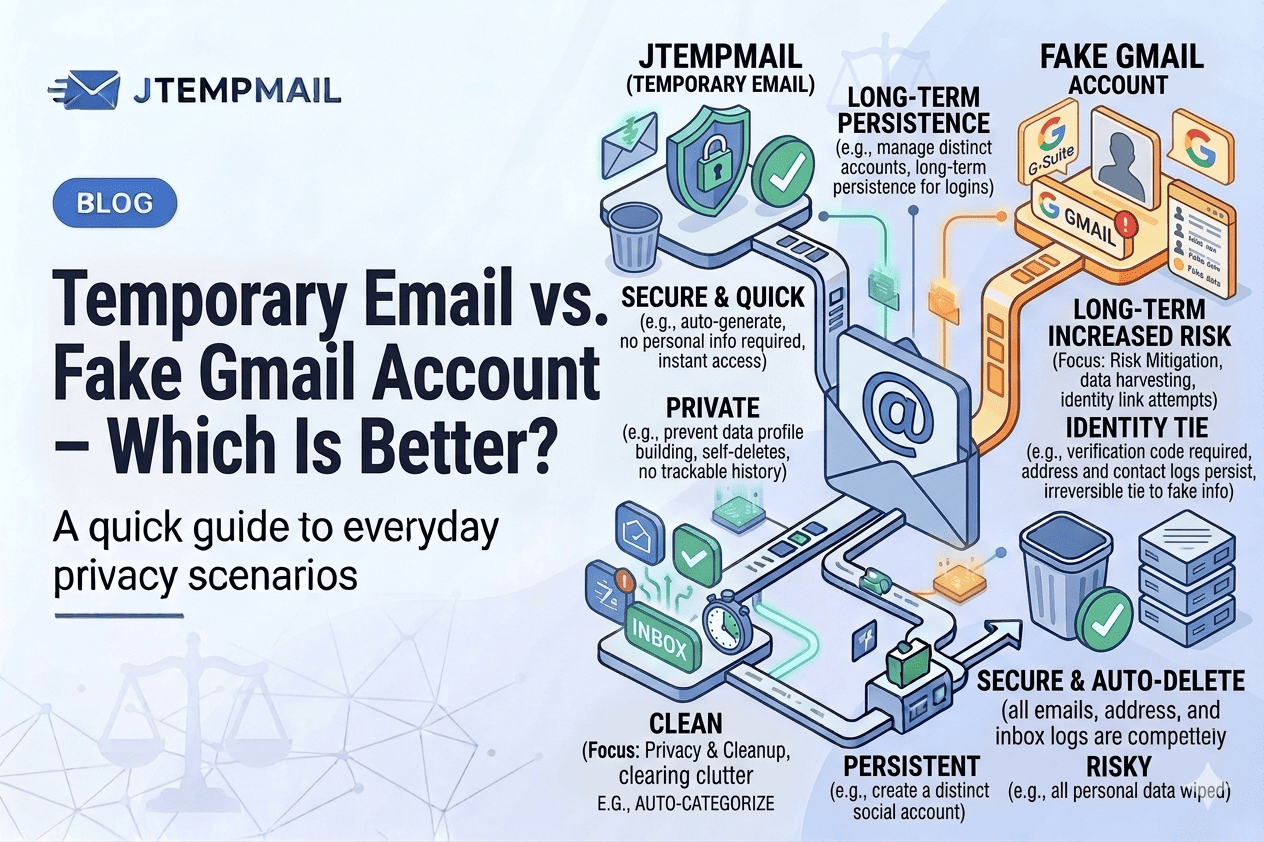
| Feature | Fake Gmail Account | Temporary Email |
|---|---|---|
| Time to get started | 2-3 minutes | 2-3 seconds |
| Phone number required | Usually yes | No |
| Personal info required | Yes (fake, but still) | No |
| Works on most websites | Yes | Mostly yes (some block temp emails) |
| You can send emails | Yes | Usually no |
| You can recover access | Yes (with phone/backup email) | No |
| Automatically deletes itself | No | Yes |
| Privacy level | Medium (Google still tracks) | High (no data stored) |
The case for fake Gmail
A fake Gmail account makes sense when:
You need the account to last. If you're signing up for something you might use again weeks or months later, a fake Gmail gives you permanent access.
You need to send emails. Temporary emails are almost always receive-only. If you need to reply to a confirmation or contact support, you'll need a real account.
The website blocks temporary emails. Some strict platforms (like Facebook or banking sites) detect and block disposable email domains. A Gmail address almost always works.
The case for temporary email
Temporary email makes sense when:
You only need it once. Download a file. Get a discount code. Read an article behind a signup wall. Use it and forget it.
You don't want to share any personal info. Even a fake Gmail account requires a phone number now. Temporary email asks for nothing.
Speed matters. Two seconds vs. two minutes. When you're in a hurry, that difference matters.
Privacy is your priority. Google still collects data from fake accounts. Temporary email stores nothing.
The honest truth
Here's what I tell people.
If you need an email address for something you'll use more than once – like a forum you actually like, or a tool you'll come back to – take the extra two minutes and create a separate Gmail account. Use it as your "low trust" email for things that need to last.
If you need an email address for a one-time thing – a download, a discount, a quick signup – use a temporary email. It's faster, more private, and leaves no trace.
They're different tools for different situations.
What about using both?
Honestly? That's what I do.
I have a "secondary" Gmail account for things that need a permanent address but don't need my real identity. Forum accounts. Newsletter subscriptions. App registrations.
And I use temporary email for the truly one-off stuff. Downloads. Contest entries. Anything where I'll never need that address again.
Best of both worlds.
The bottom line
Neither option is "better" overall. It depends on what you need.
| You need... | Choose... |
|---|---|
| Permanent access | Fake Gmail |
| One-time use | Temporary email |
| To send emails | Fake Gmail |
| Maximum privacy | Temporary email |
| Speed | Temporary email |
| To work everywhere | Fake Gmail |
For quick, private, one-time signups? Temporary email wins every time.
For anything you might need again? Take a few minutes and create a secondary Gmail account.
And if you just want to try temporary email right now? jtempmail.com gives you one in about two seconds. No phone number. No fake name. No hassle.